> ## Documentation Index
> Fetch the complete documentation index at: https://dripart-chore-sync-comfy-api-v2-spec-463e218.mintlify.site/llms.txt
> Use this file to discover all available pages before exploring further.
# Boogu-Image-0.1 ComfyUI Workflow Example
> Boogu-Image-0.1 is an Apache-2.0 10B parameter unified image generation and editing model family, with variants for text-to-image and instruction-driven editing.
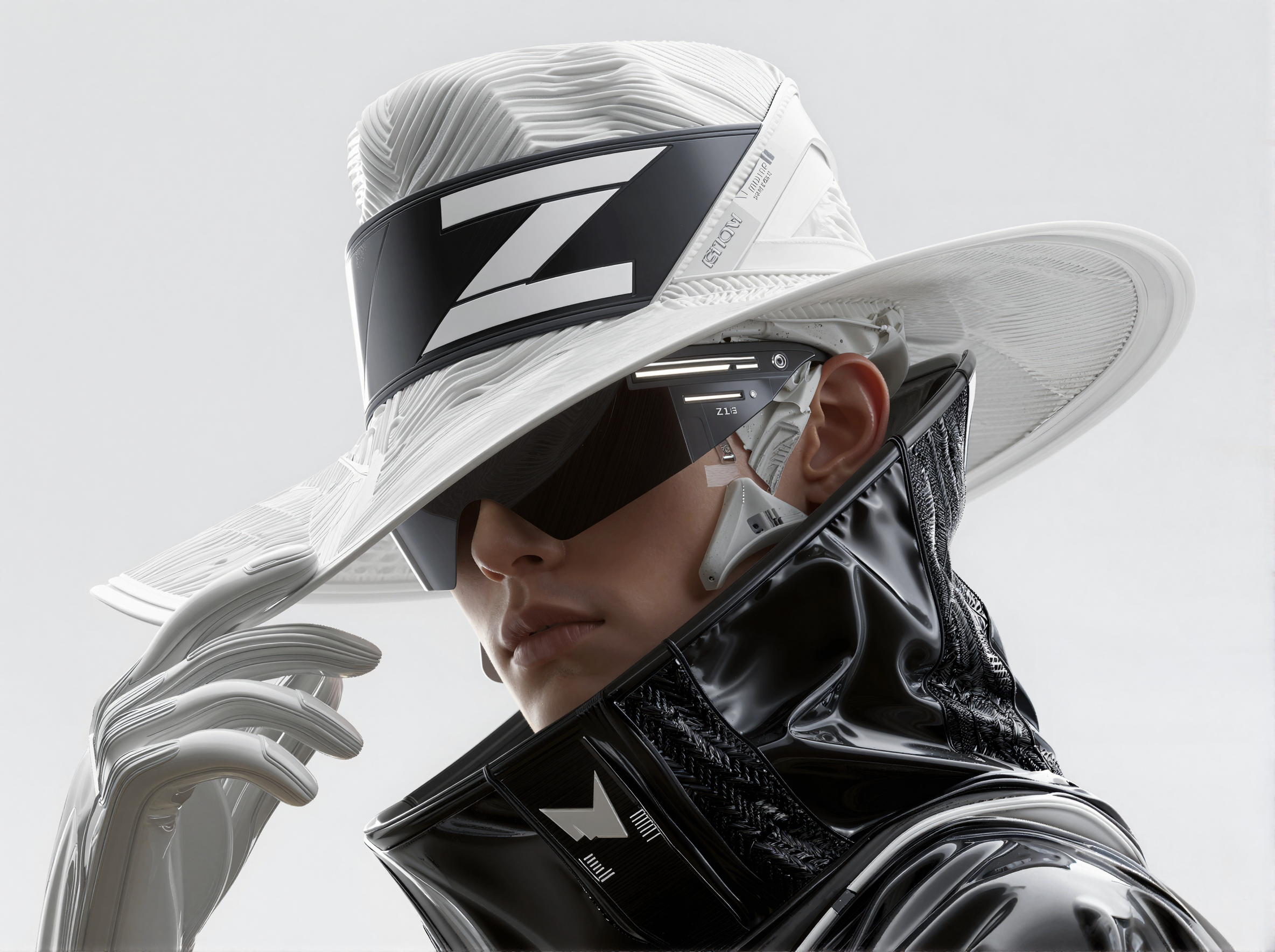
**Boogu-Image-0.1** is an Apache-2.0 open-source unified image generation and editing model family. It uses a system that integrates understanding and generation to deliver competitive performance across photography, text rendering, stylization, and image editing tasks.
**Model Variants**:
* **Boogu-Image-0.1-Turbo** – A four-step distilled text-to-image variant focused on high-quality generation and photorealism, equipped with a LoRA rank-128 module. Requires only 3-4 sampling steps. Recommended as the default for most text-to-image use cases.
* **Boogu-Image-0.1-Base** – The foundation model with strong diversity and controllability, ideal for fine-tuning and ultra-dense text rendering at 2K resolution.
* **Boogu-Image-0.1-Edit** – A variant fine-tuned for image editing and transformation tasks with instruction-driven control.
**Model Highlights**:
* **10B parameters** with efficient inference on consumer GPUs
* **Apache-2.0 license** for open use and downstream development
* **Bilingual text rendering** (Chinese and English) with reliable typography
* **Versatile capabilities**: realistic photography, stylization, poster design, and precise text rendering
**Related Links**:
* [Project Page](https://boogu.org/)
* [GitHub](https://github.com/boogu-project/Boogu-Image)
* [Hugging Face (ComfyUI)](https://huggingface.co/Comfy-Org/Boogu-Image)
* [Hugging Face (Turbo)](https://huggingface.co/Boogu/Boogu-Image-0.1-Turbo-fp8)
* [Hugging Face (Edit)](https://huggingface.co/Boogu/Boogu-Image-0.1-Edit-fp8)
## Boogu-Image-0.1-Turbo text-to-image workflow
Make sure your ComfyUI is updated.
* [Download ComfyUI](https://www.comfy.org/download)
* [Update Guide](/installation/update_comfyui)
Workflows in this guide can be found in the [Workflow Templates](/interface/features/template).
If you can't find them in the template, your ComfyUI may be outdated.
If nodes are missing when loading a workflow, possible reasons:
1. You are not using the latest ComfyUI version (Nightly version)
2. Some nodes failed to import at startup
* [Cloud](https://cloud.comfy.org) will update after ComfyUI stable release.
So, if you find any core node missing in this document, it might be because the new core nodes have not yet been released in the latest stable version. Please wait for the next stable release.
Boogu Turbo: Text to Image
Generate high-quality images from text prompts using the Boogu Turbo model, a distilled 10B-parameter text-to-image pipeline that produces photorealistic outputs in just 4 steps.
 Open in Comfy Cloud
Download JSON or search "Boogu Turbo" in Template Library
The Boogu-Image-0.1-Turbo workflow uses a subgraph that encapsulates the diffusion, text encoding, and VAE decode pipeline. You provide a text prompt and resolution settings, and the subgraph handles the rest.
### Boogu-Image-0.1-Turbo model downloads
Diffusion model for Boogu-Image-0.1-Turbo.
Text encoder for Boogu-Image-0.1-Turbo.
VAE for Boogu-Image-0.1-Turbo.
LoRA module (rank-128) for Boogu-Image-0.1-Turbo.
**Model Storage Location**
```
📂 ComfyUI/
├── 📂 models/
│ ├── 📂 diffusion_models/
│ │ └── boogu_image_turbo_fp8_scaled.safetensors
│ ├── 📂 text_encoders/
│ │ └── qwen3vl_8b_fp8_scaled.safetensors
│ ├── 📂 vae/
│ │ └── ae.safetensors
│ └── 📂 loras/
│ └── boogu_image_turbo_lora_rank_128_bf16.safetensors
```
## Boogu-Image-0.1-Edit image editing workflow
Open in Comfy Cloud
Download JSON or search "Boogu Turbo" in Template Library
The Boogu-Image-0.1-Turbo workflow uses a subgraph that encapsulates the diffusion, text encoding, and VAE decode pipeline. You provide a text prompt and resolution settings, and the subgraph handles the rest.
### Boogu-Image-0.1-Turbo model downloads
Diffusion model for Boogu-Image-0.1-Turbo.
Text encoder for Boogu-Image-0.1-Turbo.
VAE for Boogu-Image-0.1-Turbo.
LoRA module (rank-128) for Boogu-Image-0.1-Turbo.
**Model Storage Location**
```
📂 ComfyUI/
├── 📂 models/
│ ├── 📂 diffusion_models/
│ │ └── boogu_image_turbo_fp8_scaled.safetensors
│ ├── 📂 text_encoders/
│ │ └── qwen3vl_8b_fp8_scaled.safetensors
│ ├── 📂 vae/
│ │ └── ae.safetensors
│ └── 📂 loras/
│ └── boogu_image_turbo_lora_rank_128_bf16.safetensors
```
## Boogu-Image-0.1-Edit image editing workflow
Boogu image 0.1 Edit
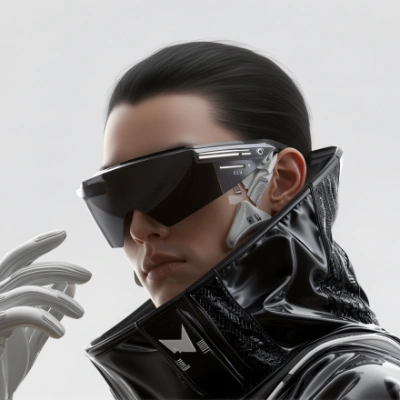
Edit images using Boogu's instruction-driven model, taking one input image and generating an edited output alongside a side-by-side comparison view.
 Open in Comfy Cloud
Download JSON or search "Boogu image 0.1 Edit" in Template Library
**Input materials**
Upload this file to the matching `LoadImage` node:
`LoadImage` node 32 · `tech_cowboy.png`
### Boogu-Image-0.1-Edit model downloads
Diffusion model for Boogu-Image-0.1-Edit.
Text encoder for Boogu-Image-0.1-Edit.
VAE for Boogu-Image-0.1-Edit.
**Model Storage Location**
```
📂 ComfyUI/
├── 📂 models/
│ ├── 📂 diffusion_models/
│ │ └── boogu_image_edit_fp8_scaled.safetensors
│ ├── 📂 text_encoders/
│ │ └── qwen3vl_8b_fp8_scaled.safetensors
│ └── 📂 vae/
│ └── ae.safetensors
```
Open in Comfy Cloud
Download JSON or search "Boogu image 0.1 Edit" in Template Library
**Input materials**
Upload this file to the matching `LoadImage` node:
`LoadImage` node 32 · `tech_cowboy.png`
### Boogu-Image-0.1-Edit model downloads
Diffusion model for Boogu-Image-0.1-Edit.
Text encoder for Boogu-Image-0.1-Edit.
VAE for Boogu-Image-0.1-Edit.
**Model Storage Location**
```
📂 ComfyUI/
├── 📂 models/
│ ├── 📂 diffusion_models/
│ │ └── boogu_image_edit_fp8_scaled.safetensors
│ ├── 📂 text_encoders/
│ │ └── qwen3vl_8b_fp8_scaled.safetensors
│ └── 📂 vae/
│ └── ae.safetensors
```