> ## Documentation Index
> Fetch the complete documentation index at: https://dripart-chore-sync-comfy-api-v2-spec-463e218.mintlify.site/llms.txt
> Use this file to discover all available pages before exploring further.
# SeedVR2: ComfyUI에서 이미지 및 비디오 업스케일링
> ByteDance Seed의 원스텝 확산 기반 복원 모델인 SeedVR2를 사용하여 이미지와 비디오를 업스케일링하는 방법을 알아보세요.
# ComfyUI SeedVR2 소개
[SeedVR2](https://iceclear.github.io/projects/seedvr2/)(arXiv:2506.05301, ByteDance Seed)는 원스텝 diffusion 기반 비디오 복원 모델입니다. 실제 데이터에 대한 적대적 학습을 수행하여 이미지와 비디오를 높은 충실도로 복원 및 업스케일링합니다. SeedVR2는 ComfyUI에서 네이티브로 지원됩니다(PR [#14424](https://github.com/Comfy-Org/ComfyUI/pull/14424)).
주요 기능:
* **보존적 업스케일링**: 원본 구조와 디테일을 유지하면서 선명도 향상
* **원스텝 추론**: 이미지 및 비디오 업스케일링 모두에 단일 순방향 패스 사용
* **다양한 모델 크기**: 3B 및 7B 변형, FP16, FP8, INT8, NVFP4, MXFP8 양자화 지원
* **이미지 및 비디오 모두 지원**: 단일 이미지 업스케일링 및 비디오 해상도 향상
SeedVR2는 두 가지 크기로 제공됩니다. [3B 모델](https://huggingface.co/ByteDance-Seed/SeedVR2-3B)은 VRAM 요구 사항이 낮은 소형 변형으로, 하드웨어가 제한된 사용자에게 적합합니다. [7B 모델](https://huggingface.co/ByteDance-Seed/SeedVR2-7B)은 더 높은 품질의 결과를 제공하는 대형 변형이지만, VRAM 및 처리 시간이 증가합니다. 두 모델 모두 Apache 2.0 라이선스에 따라 제공됩니다.
ComfyUI가 최신 버전으로 업데이트되었는지 확인하세요.
* [ComfyUI 다운로드](https://www.comfy.org/download)
* [업데이트 가이드](/ko/installation/update_comfyui)
이 가이드의 워크플로는 [워크플로 템플릿](/ko/interface/features/template)에서 확인할 수 있습니다.
템플릿에서 찾을 수 없다면, 귀하의 ComfyUI가 오래된 버전일 수 있습니다.
워크플로를 로드할 때 노드가 누락되는 경우, 가능한 원인:
1. 최신 ComfyUI 버전(최신 테스트 버전(nightly))을 사용하고 있지 않음
2. 일부 노드가 시작 시 가져오기에 실패함
* [클라우드](https://cloud.comfy.org)는 ComfyUI 안정판 출시 후 업데이트됩니다.
따라서 이 문서에서 핵심 노드가 누락된 것을 발견했다면, 그 이유는 새로운 핵심 노드가 아직 최신 안정판에 공개되지 않았기 때문일 수 있습니다. 다음 안정판 출시를 기다려 주세요.
## Model Installation
Download the SeedVR2 checkpoint(s) from the [Comfy-Org SeedVR2 repository](https://huggingface.co/Comfy-Org/SeedVR2) and save them to the corresponding ComfyUI folder:
* [seedvr2\_3b\_fp16.safetensors](https://huggingface.co/Comfy-Org/SeedVR2/blob/main/diffusion_models/seedvr2_3b_fp16.safetensors): 3B FP16 base model, lower VRAM requirement
* [seedvr2\_3b\_fp8\_e4m3fn.safetensors](https://huggingface.co/Comfy-Org/SeedVR2/blob/main/diffusion_models/seedvr2_3b_fp8_e4m3fn.safetensors): 3B FP8 quantized, further reduced VRAM
* [seedvr2\_3b\_int8\_convrot.safetensors](https://huggingface.co/Comfy-Org/SeedVR2/blob/main/diffusion_models/seedvr2_3b_int8_convrot.safetensors): 3B INT8 with convrot
* [seedvr2\_7b\_fp16.safetensors](https://huggingface.co/Comfy-Org/SeedVR2/blob/main/diffusion_models/seedvr2_7b_fp16.safetensors): 7B FP16 base model, higher quality
* [seedvr2\_7b\_fp8\_e4m3fn.safetensors](https://huggingface.co/Comfy-Org/SeedVR2/blob/main/diffusion_models/seedvr2_7b_fp8_e4m3fn.safetensors): 7B FP8 quantized, balance of quality and VRAM
* [seedvr2\_7b\_int8\_convrot.safetensors](https://huggingface.co/Comfy-Org/SeedVR2/blob/main/diffusion_models/seedvr2_7b_int8_convrot.safetensors): 7B INT8 with convrot
* [seedvr2\_7b\_sharp\_fp16.safetensors](https://huggingface.co/Comfy-Org/SeedVR2/blob/main/diffusion_models/seedvr2_7b_sharp_fp16.safetensors): 7B FP16 sharp variant for enhanced detail
* [seedvr2\_ema\_vae\_fp16.safetensors](https://huggingface.co/Comfy-Org/SeedVR2/blob/main/vae/seedvr2_ema_vae_fp16.safetensors): VAE checkpoint (shared across all model variants)
Place the files in the following directories:
```
ComfyUI/
├── models/
│ ├── diffusion_models/
│ │ ├── seedvr2_3b_fp16.safetensors
│ │ ├── seedvr2_3b_fp8_e4m3fn.safetensors
│ │ ├── seedvr2_3b_int8_convrot.safetensors
│ │ ├── seedvr2_7b_fp16.safetensors
│ │ ├── seedvr2_7b_fp8_e4m3fn.safetensors
│ │ ├── seedvr2_7b_int8_convrot.safetensors
│ │ ├── seedvr2_7b_sharp_fp16.safetensors
│ └── vae/
│ └── seedvr2_ema_vae_fp16.safetensors
```
## 예제 워크플로
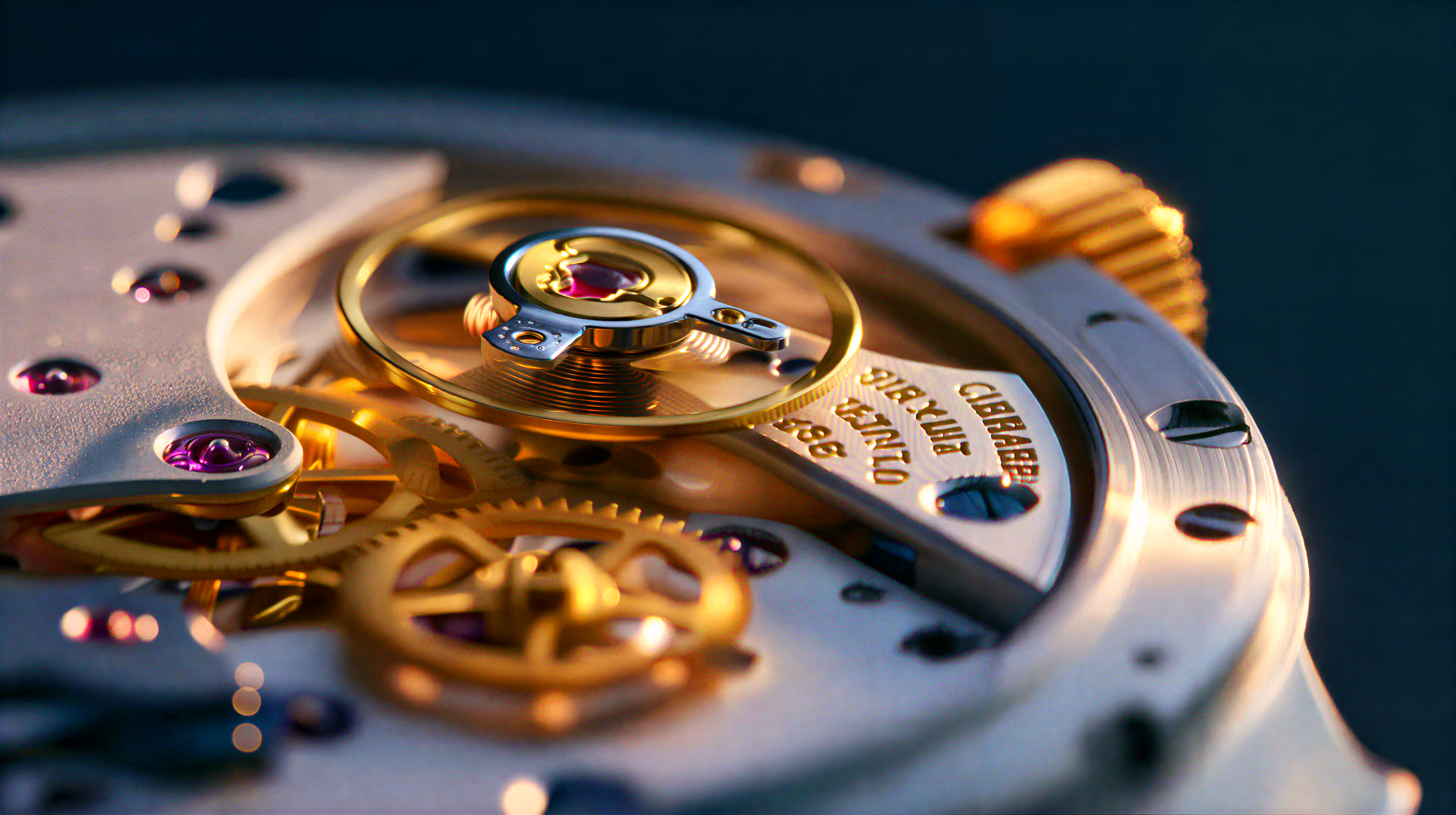
SeedVR2 3B Int8: 이미지 확대
SeedVR2 3B Int8을 사용하여 이미지를 확대합니다. SeedVR2 3B Int8은 향상된 시간적 일관성으로 고품질 결과를 생성하는 단일 단계 확산 기반 비디오 복원 모델입니다.
Comfy Cloud에서 열기
JSON 다운로드 또는 템플릿 라이브러리에서 "SeedVR2 3B Int8: 이미지 확대" 검색
**입력 자료**
이 파일을 해당 `LoadImage` 노드에 업로드하세요:
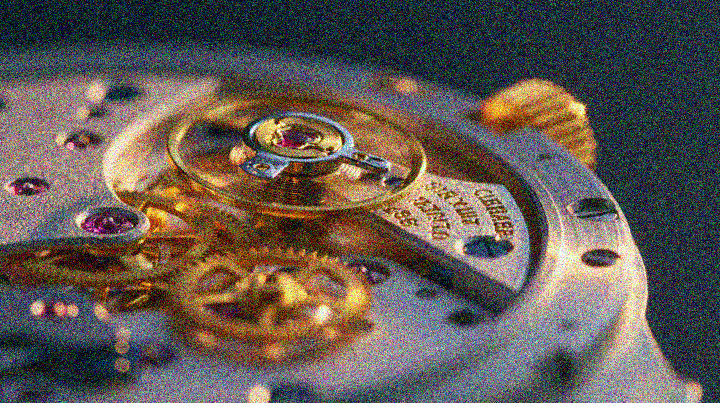
`LoadImage` 노드 1 · `watch_macro_shot.png`
**예제 출력**
### 1.1 실행 단계
1. 이미지를 `ComfyUI/input/` 폴더에 넣고 `이미지 불러오기` 노드에서 선택합니다.
2. SeedVR2 모델 로더에서 `seedvr2_3b_int8_convrot.safetensors` 체크포인트를 선택합니다.
3. `실행 대기열`을 클릭하거나 `Ctrl(cmd) + Enter`를 누르면 실행됩니다.
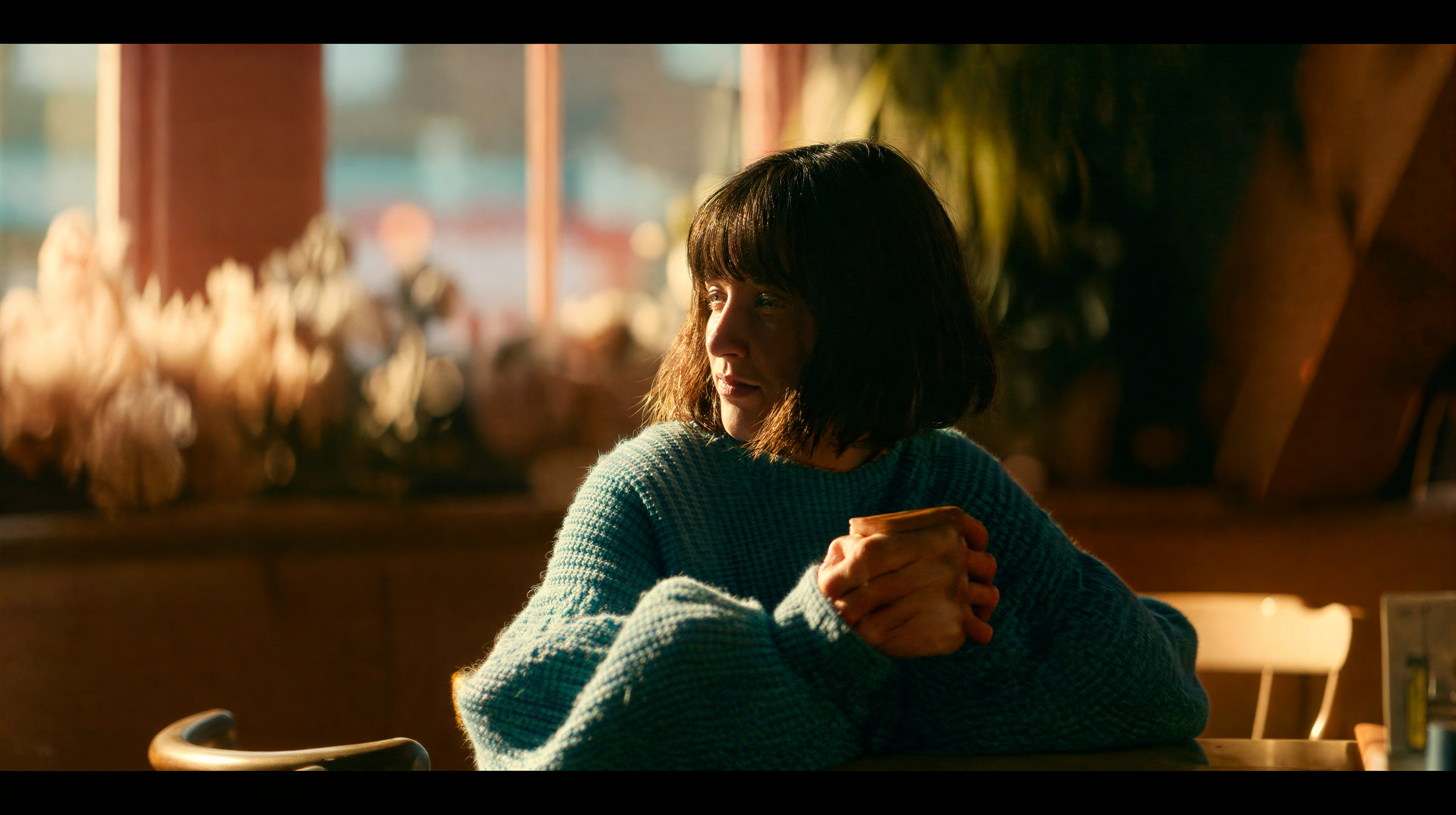
SeedVR2 7B Int8: 이미지 확대
SeedVR2 7B Int8을 사용하여 이미지를 확대합니다. 이는 적대적 학습과 적응형 창 어텐션을 통해 해상도를 향상시키는 원스텝 디퓨전 모델입니다.
Comfy Cloud에서 열기
JSON 다운로드 또는 템플릿 라이브러리에서 "SeedVR2 7B Int8: 이미지 확대" 검색
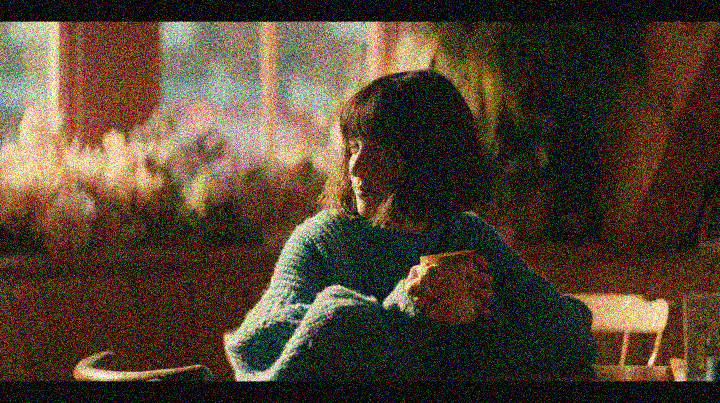
**입력 자료**
이 파일을 해당 `LoadImage` 노드에 업로드하세요:
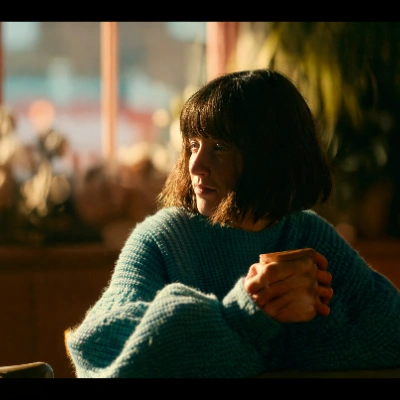
`LoadImage` 노드 1 · `indoor_portrait.png`
**예제 출력**
### 2.1 실행 단계
1. 이미지를 `ComfyUI/input/` 폴더에 넣고 `이미지 불러오기` 노드에서 선택합니다.
2. SeedVR2 모델 로더에서 `seedvr2_7b_int8_convrot.safetensors` 체크포인트를 선택합니다.
3. `실행 대기열`을 클릭하거나 `Ctrl(Cmd) + Enter`를 입력하여 실행합니다.
SeedVR2 3B Int8: 비디오 업스케일
SeedVR2 3B Int8을 사용하여 비디오를 업스케일하고 복원합니다. 이 모델은 프레임 간 시간적 일관성을 유지하면서 해상도를 향상시키는 원스텝 diffusion 모델입니다.
Comfy Cloud에서 열기
JSON 다운로드 또는 템플릿 라이브러리에서 "SeedVR2 3B Int8: Upscale Video" 검색

**입력 자료**
이 파일을 일치하는 `LoadVideo` 노드에 업로드하세요:
`LoadVideo` 노드 73 · `grainy_perfume_shot_crf32.mp4`
**예시 출력**
### 3.1 실행 단계
1. `ComfyUI/input/` 폴더에 비디오를 넣고 `Load Video` 노드에서 선택합니다.
2. SeedVR2 모델 로더에서 `seedvr2_3b_int8_convrot.safetensors` 체크포인트를 선택합니다.
3. `실행 대기열`을 클릭하거나 `Ctrl(cmd) + Enter`를 눌러 실행합니다.
### Performance
더 높은 대상 해상도는 더 많은 처리 시간이 필요합니다. INT8 변형은 FP16에 비해 VRAM 사용량을 줄여 효율적인 추론을 제공합니다.
## 커뮤니티 리소스
* [SeedVR2 프로젝트 페이지](https://iceclear.github.io/projects/seedvr2/): 공식 프로젝트 웹사이트
* [ByteDance SeedVR 코드베이스 (GitHub)](https://github.com/ByteDance-Seed/SeedVR): 원본 연구 코드 및 논문
* [Comfy-Org/SeedVR2 (HuggingFace)](https://huggingface.co/Comfy-Org/SeedVR2): 공식 ComfyUI 모델 가중치
* [ByteDance-Seed/SeedVR2-3B (HuggingFace)](https://huggingface.co/ByteDance-Seed/SeedVR2-3B): 원본 3B 모델 가중치
* [ByteDance-Seed/SeedVR2-7B (HuggingFace)](https://huggingface.co/ByteDance-Seed/SeedVR2-7B): 원본 7B 모델 가중치
* [논문 (arXiv)](https://arxiv.org/abs/2506.05301)